
Email and Phone Checks
Validate the contact details connected to the stay.
Collect formatted email addresses and phone numbers, optionally confirm access through OTP, and continue to stronger identity checks when required.
- Part of a guest compliance session
- Hosted, API, and webhooks
- Configured human review
How it works
Configure once and reuse where needed
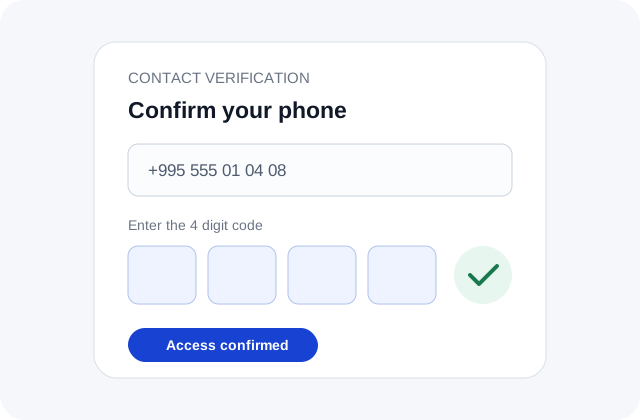
Choose collection only or add proof of access through OTP.
Collect and validate
Capture phone and email information with formatting and configured input validation.

Confirm access with OTP
When enabled, send a time-limited code through the configured channel and verify the submitted response.

Continue or step up
Complete the contact step or route the user into identity, biometric, screening, or questionnaire modules.

Contact verification
A small verification step can prevent larger workflow problems
Invalid contact data creates failed notifications, support work, and fake registrations. Add validation and optional OTP without sending the user through a disconnected tool.
Reduce invalid sign-ups
Validate formatting and optionally confirm that the user can access the submitted phone number or email address.
Protect sensitive actions
Use OTP before account recovery, contact changes, or another configured step-up event.
Keep one customer journey
Continue from contact verification to ID verification, liveness, AML screening, or questionnaires in the same workflow.
Capabilities
Contact checks that support the wider identity journey
Use the method and level of assurance required by each interaction.
Discuss your workflow- 01Email input validation
- 02Phone formatting and validation
- 03Email OTP
- 04SMS OTP
- 05Configurable retry and expiry logic
- 06Workflow step-up routing
Use cases
Where email and phone verification fits
- Guest communication setup
- Pre-arrival OTP checks
- Self check-in instructions
- Booking contact changes
- High-risk reservation review
- Repeat guest verification
Security and privacy
Controlled by design, documented in public.
Every module uses the same access, output, audit, and retention boundaries as the wider guest compliance workflow.
Minimum necessary output
Operators receive the approved status and fields rather than unrestricted document copies by default.
Booking-linked history
Configured consent, status, access, and review events remain tied to the relevant session.
Controlled retention
Access and retention rules are configured for the customer's workflow and applicable obligations.
FAQ
Frequently asked questions
Key implementation and workflow questions for email and phone checks.
Configure your flow
See Email and Phone Checks inside a DocinVault workflow
We will map the module to your customer journey, operating market, and review requirements.